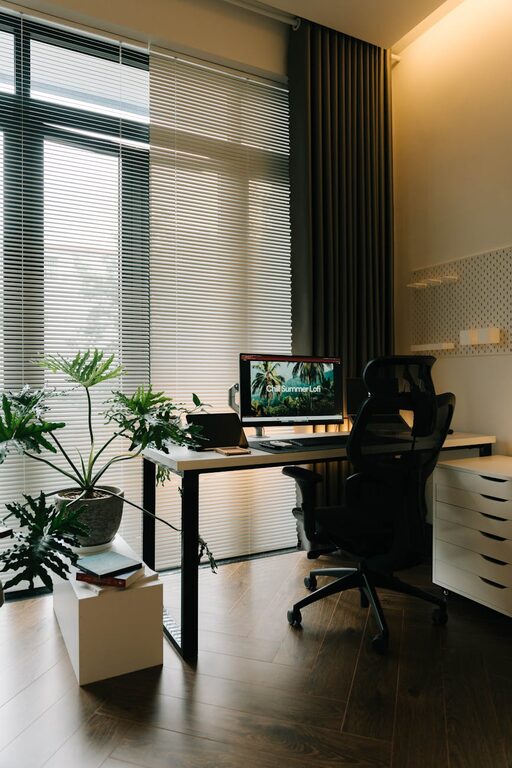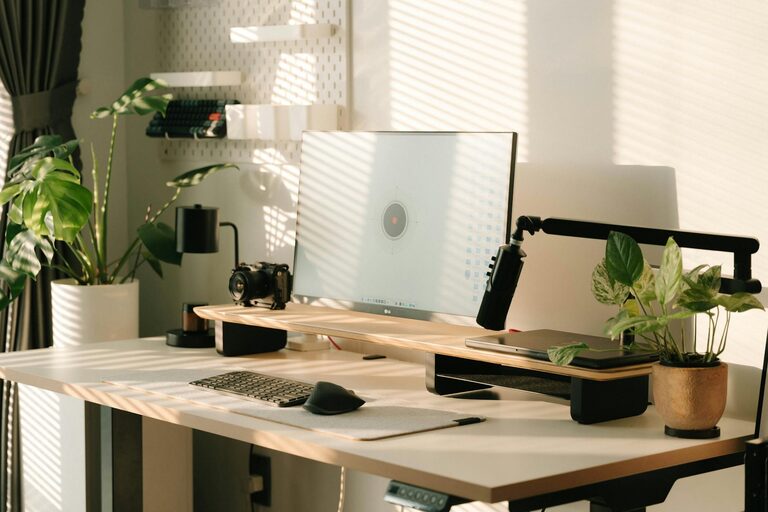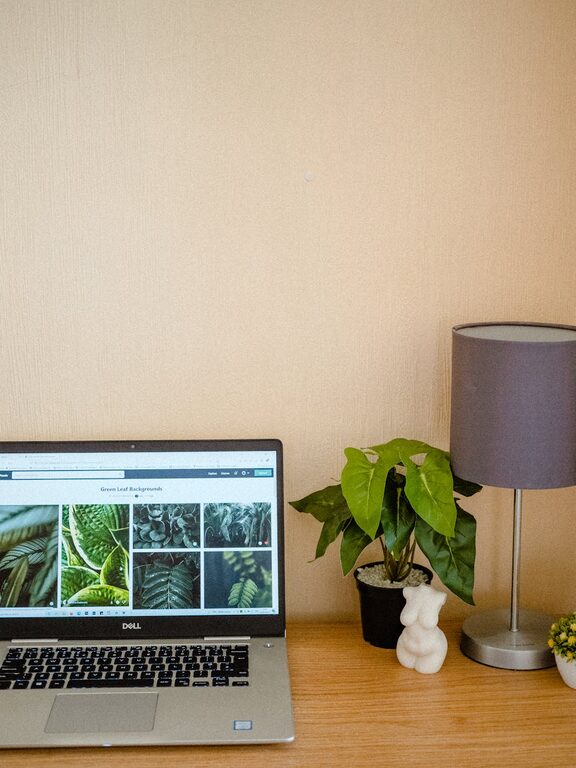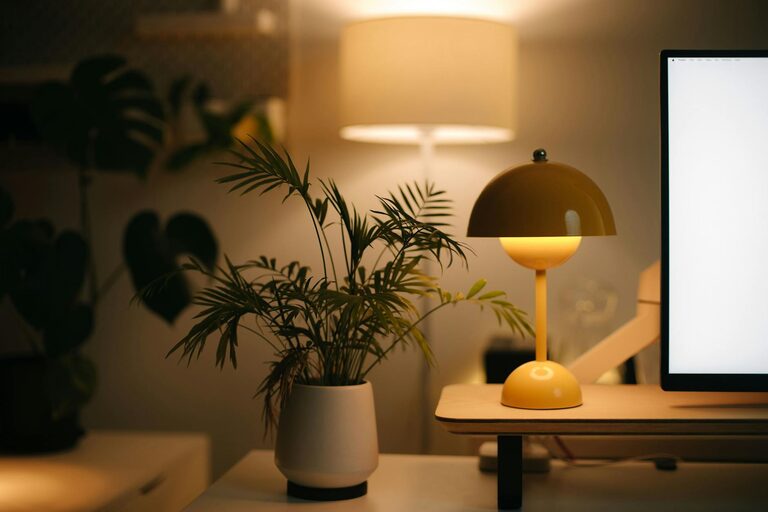

Creating a relaxing home workspace is more important than ever. Whether you work from home full-time or need a quiet place for occasional tasks, the right environment can make a big difference in how you feel and perform. A well-designed workspace promotes focus, minimizes distractions, and reduces stress, helping you stay balanced throughout the day.
In this guide, we’ll share helpful tips to transform your home workspace into a calming and productive area you enjoy spending time in.
Choose the Right Location
The foundation of a relaxing workspace is its location. Find a spot in your home that feels comfortable and suits your needs.
– Natural Light: Position your desk near a window if possible. Natural light boosts mood and alertness.
– Quiet Area: Select a quiet corner or room to minimize noise and interruptions.
– Space: Ensure there’s enough room for your equipment and to move freely.
If space is limited, consider a small nook or even a fold-away desk. The key is to make the most of your available area while keeping it clutter-free.
Invest in Comfortable Furniture
Comfort plays a crucial role in a relaxing workspace. Choose furniture that supports your body and helps you maintain good posture.
– Ergonomic Chair: A chair with adjustable height, lumbar support, and cushioning promotes comfort during long hours.
– Desk Height: Your desk should be at a height where your arms rest comfortably at a 90-degree angle.
– Footrest: Consider a footrest to reduce pressure on your legs and improve circulation.
Comfortable furniture reduces fatigue and physical strain, allowing you to focus better on your tasks.
Declutter and Organize Your Space
A tidy workspace helps create a peaceful atmosphere by minimizing distractions.
– Storage Solutions: Use shelves, drawers, and organizers to keep supplies out of sight.
– Regular Cleaning: Set aside time each week to tidy and dust your workspace.
– Minimal Decor: Avoid overcrowding your desk with unnecessary items.
Organizing your workspace not only looks good but also saves time by making it easier to find what you need.
Add Soothing Colors and Personal Touches
Your workspace should feel inviting and reflect your personality while supporting relaxation.
– Calming Colors: Soft blues, greens, and neutrals promote calmness and focus.
– Plants: Adding a few houseplants can improve air quality and create a connection with nature.
– Artwork and Accessories: Include a few meaningful items, such as photos or art that inspire you, without cluttering the space.
These elements can make your workspace feel more pleasant and inviting.
Control Lighting and Reduce Glare
Proper lighting reduces eye strain and helps maintain alertness.
– Natural and Artificial Mix: Combine natural light with adjustable lamps for flexibility.
– Positioning: Place screens perpendicular to windows to avoid glare.
– Warm Light Bulbs: Choose bulbs that provide warm, soft lighting rather than harsh white light.
Adjust lighting as needed throughout the day to maintain comfort and prevent headaches.
Incorporate Relaxation Techniques
Integrate small habits into your workspace setup to help manage stress and maintain calm.
– Aromatherapy: Use essential oils or scented candles with calming scents like lavender or chamomile.
– Comfort Items: Keep a cozy blanket or stress ball handy for moments when you need a break.
– Music or White Noise: Play soft instrumental music or white noise to drown out distractions.
These simple touches can help you reset and remain focused during work sessions.
Maintain Boundaries Between Work and Rest
Especially when working from home, it’s important to separate your workspace from relaxation zones.
– Dedicated Space: Use a specific area just for work, avoiding taking work into bedrooms or living rooms.
– Routine: Set regular work hours and stick to them.
– Breaks: Take frequent short breaks to stretch and refresh.
Creating these boundaries helps your mind associate your workspace with productivity and your other spaces with relaxation.
Optimize Technology Setup
A smoothly functioning setup reduces frustration and keeps your workflow steady.
– Wireless Devices: Opt for wireless keyboards and mice to reduce cable clutter.
– Cable Management: Use clips or cable organizers to keep cords tidy.
– Screen Setup: Position your monitor at eye level to avoid neck strain.
Keeping your tech organized ensures your workspace remains clean and comfortable.
Conclusion
Designing a relaxing home workspace requires thoughtful choices geared toward comfort, organization, and personalized touches. Starting with the ideal location and investing in ergonomic furniture sets the stage for a productive environment. Keeping your space clutter-free, well-lit, and calming can significantly reduce stress and distractions. Finally, remembering to maintain healthy boundaries and include small relaxation techniques helps support your well-being throughout the workday.
With these tips, you can create a home workspace that not only boosts your productivity but also feels like a peaceful retreat.
—
Creating a comfortable and functional workspace at home is achievable with some planning and care. Start making changes today to enjoy a more enjoyable and effective work experience.
About the Author